
Lucky Shots Game Login 2026: Step-by-Step + Fix Login Errors
Login in 30 seconds — or fix it when it breaks
Logging into Lucky Shots should take 30 seconds. When it doesn’t, the cause is almost always one of five things — wrong country prefix, OTP delay, password reset loop, blocked IP, or a fake login page. Here’s how to log in cleanly the first time and fix it when it breaks.
Open Lucky ShotsRead our verdict
*Sign-up link is sponsored — see disclaimer.
On this page
The official Lucky Shots login URL (and how to spot fakes)
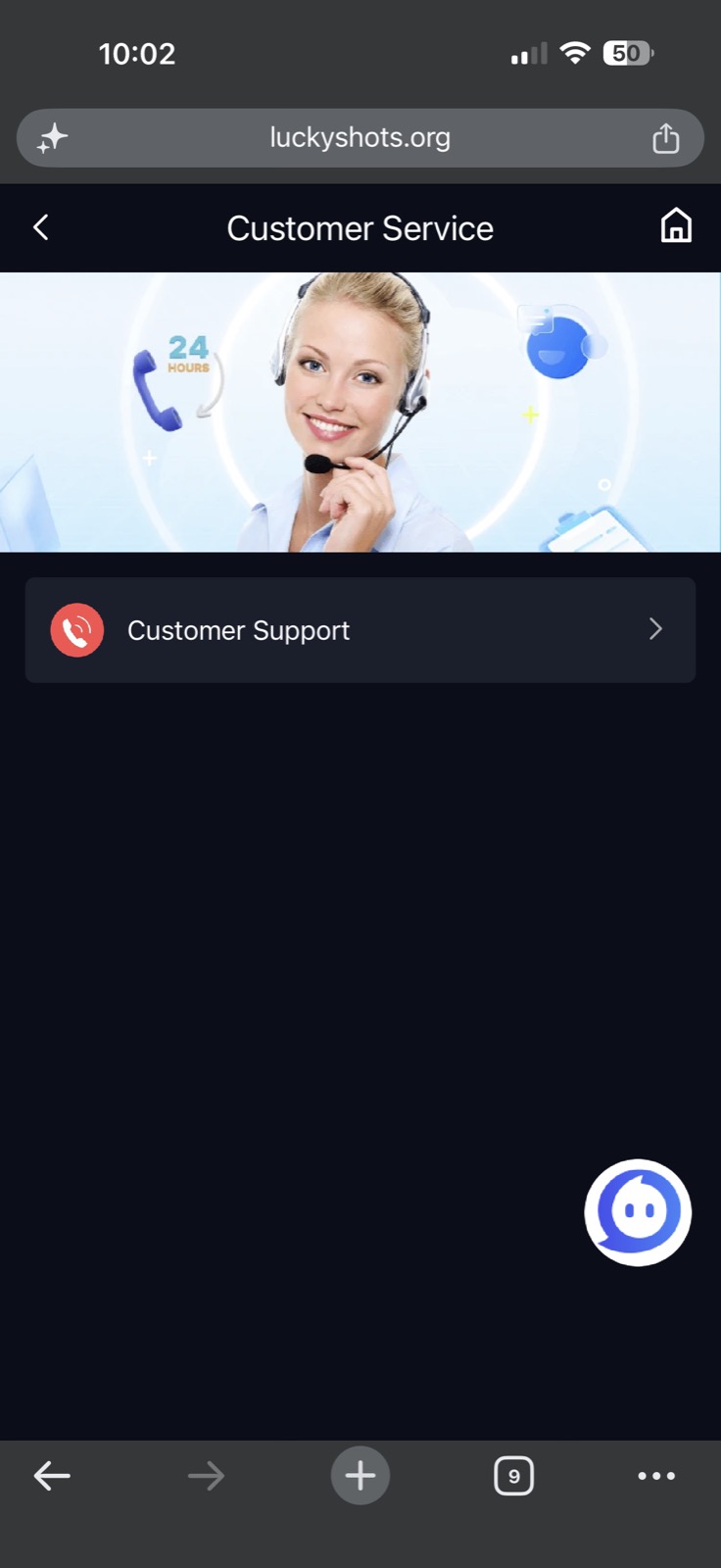
Lucky Shots’ real login flow lives at luckyshots.org. The login screen is identical to the registration screen — same logo, same number-and-password form. You do not need a separate “Lucky Shots login portal” or any third-party site.
Open official Lucky ShotsRead our verdict
*Sign-up link is sponsored — see disclaimer.
Step-by-step login (browser and app)
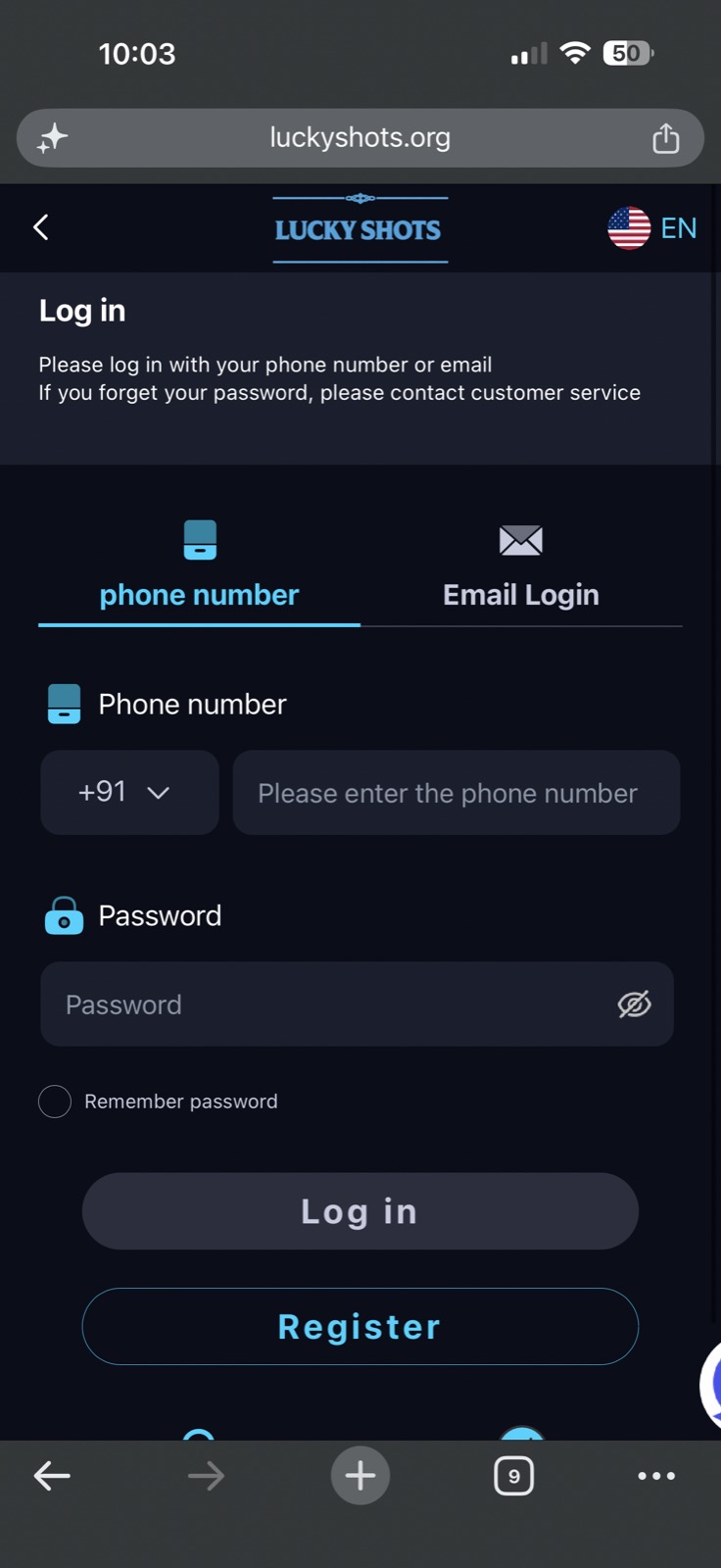
- Open the official site — do not click login links sent in SMS, Telegram, or WhatsApp.
- Tap “Log in” at the top-right of the home screen.
- Enter country code +91 followed by your 10-digit Indian mobile number (no leading zero).
- Enter your password exactly as set during signup. Passwords are case-sensitive.
- Solve the slider captcha if shown.
- Tap Login. You should land on the lobby in under 5 seconds.
If you signed up via OTP-only mode (no password), tap “Login with OTP” instead, and Lucky Shots will SMS a 6-digit code. Enter it within 90 seconds.
“Lucky Shots login not working” — 5 real causes and fixes
1. Wrong country prefix or extra zero
The single most common login failure. India numbers must be entered as +91 9XXXXXXXXX (10 digits after +91, no leading zero). Delete any auto-inserted “0”.
2. OTP not arriving
Wait the full 90 seconds before tapping Resend. If on Jio with poor signal, switch to Wi-Fi (the SMS still arrives — Wi-Fi just keeps the app session alive). If after two resends nothing arrives, see our OTP fix guide.
3. “Invalid password” loop
Lucky Shots doesn’t lock accounts after wrong attempts, but inserts a 60-second cooldown. Tap “Forgot password”, receive an OTP, set a new one, and log in. See password reset guide.
4. Blocked IP / “Too many requests”
If behind a VPN, on public Wi-Fi, or sharing an IP with many other Lucky Shots users (PG hostels, internet cafés), Lucky Shots’ anti-bot layer may throttle. Switch to mobile data, turn off any VPN, and retry. Login almost always succeeds on a fresh mobile-data IP.
5. Fake login page (you entered credentials into a clone)
If your password “stopped working overnight,” and you previously used a login link from a Telegram channel or SMS, you almost certainly entered credentials into a phishing clone. Reset your password immediately on the official site.
Login vs register: which do you need?
What works
- Have used Lucky Shots before on this number — log in
- See ‘Welcome back’ or your existing balance — log in
- OTP screen appears immediately — log in
Watch out for
- Never used Lucky Shots before — register
- System says ‘Account not found’ — register
- You changed phone numbers — register fresh
Sign in to Lucky ShotsRead our verdict
*Sign-up link is sponsored — see disclaimer.
Why does my Lucky Shots login show “User not found” when I just registered?
Either the registration didn’t complete (the OTP step may have timed out and rolled back), or you’re typing the number with a leading zero. Try registering again with the same number — if it accepts, your prior signup actually failed.
Can I log in to Lucky Shots from outside India?
Technically possible if your account is already created and KYC’d, but Lucky Shots’ anti-fraud layer flags non-Indian IPs aggressively. You may face withdrawal holds. We do not recommend operating a Lucky Shots account from outside India.
Is there a Lucky Shots desktop login?
Yes — open the same site URL on a desktop browser and you’ll see the same login form. Mobile is better optimised, but desktop works.
Why does it ask me to login again after every restart?
If you cleared the app’s storage, used incognito, or installed a fresh APK, the session cookie is gone. Login once with ‘Remember me’ and the session persists for 30 days.