
Lucky Shots Password Reset 2026: Forgot Password Recovery in 2 Minutes
Password reset that actually works
Standard reset uses an SMS OTP to your registered number. Below is the working sequence plus three common failure modes.
Open Lucky ShotsRead our verdict
*Sign-up link is sponsored — see disclaimer.
On this page
Standard reset (you have your old number)
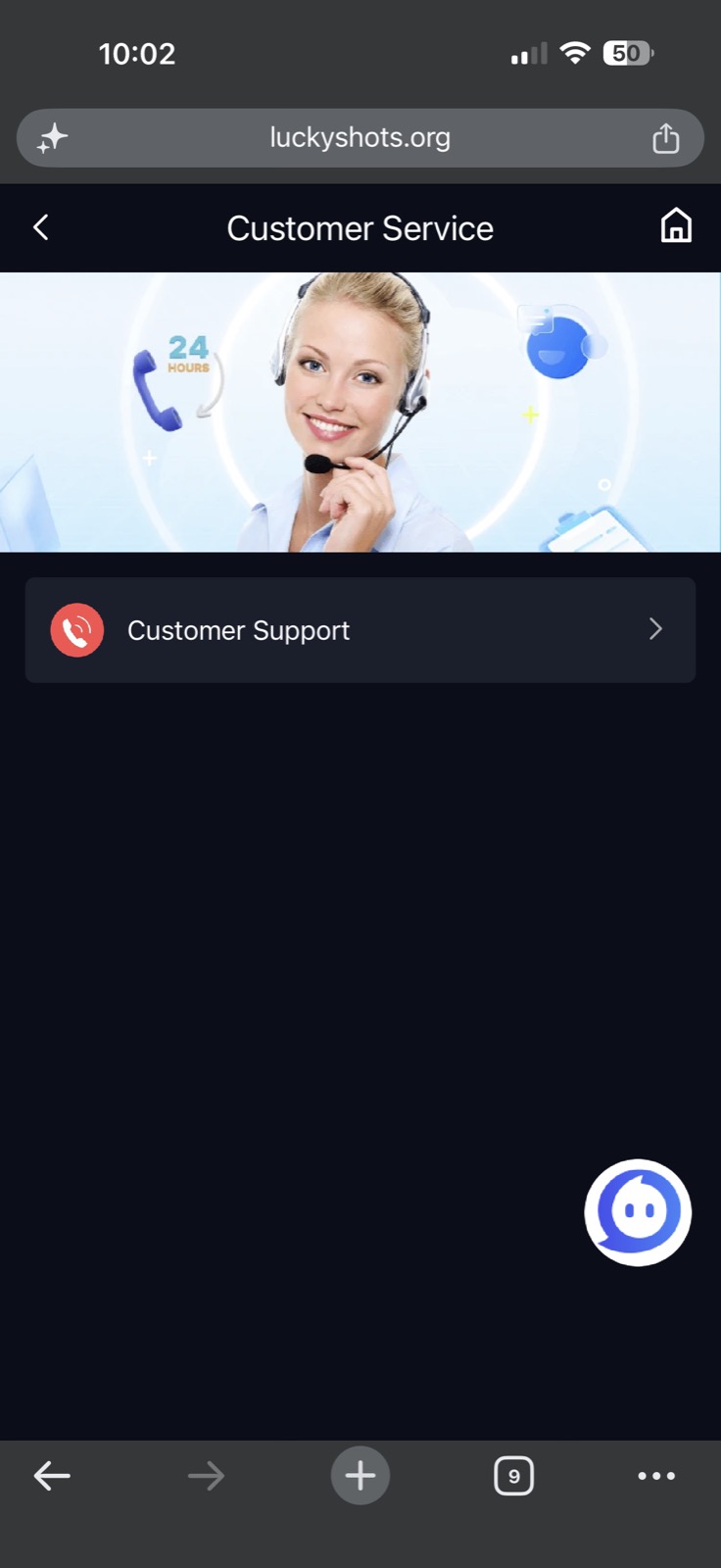
- Open Lucky Shots login screen.
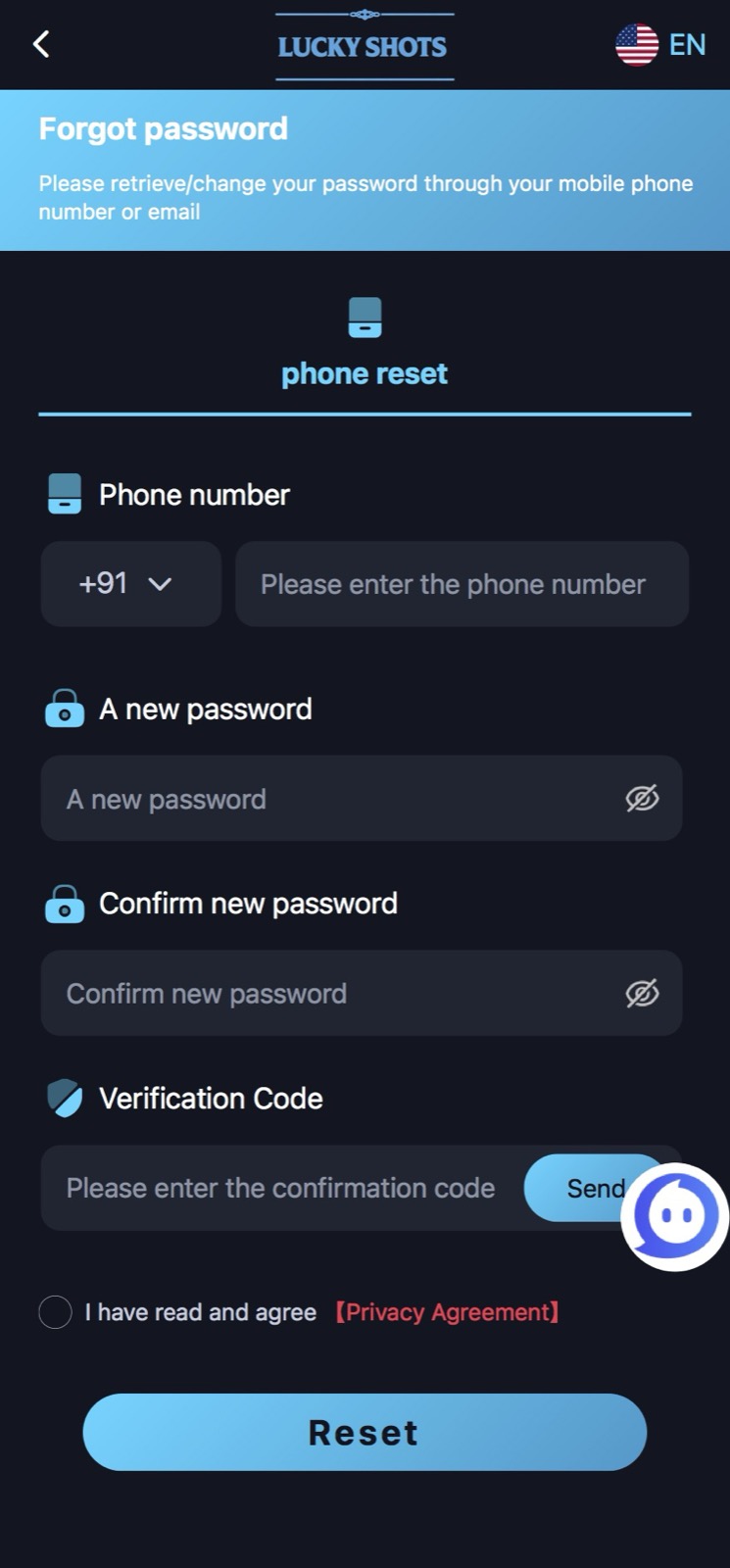
- Tap “Forgot Password” below the password field.
- Enter your registered phone number (+91 prefix, no leading zero).
- Tap Send OTP. SMS arrives in 30–90 seconds.
- Enter the 6-digit OTP.
- Set a new password (8+ characters, mix of letters/numbers).
- Tap Reset. Log in immediately with the new password.
If the OTP doesn’t arrive
See our OTP troubleshooting guide. Most common cause: DND throttling on Jio/Vi.
If you no longer have your old number
Password reset requires SMS access to the registered number. If the SIM is lost or recycled, you must submit an in-app ticket via Profile → Help → Account Recovery and provide:
- Government ID (PAN or Aadhaar)
- Last 3 transactions you remember
- Approximate account balance
- New phone number you want to bind
Recovery via this path takes 2–7 business days. There is no faster way.
Password security — what actually matters
- Use a unique password not reused on any other site.
- Use 10+ characters mixed letters and numbers.
- Don’t store the password in shared browsers.
- Bind an email in Profile → Account → Security for recovery redundancy.
If your account has been compromised
If you suspect unauthorised access (unfamiliar logins, missing balance), reset immediately AND submit a “Account compromised” ticket. Don’t trust anyone offering to “recover” your account via WhatsApp — those are scammers.
Reset PasswordRead our verdict
*Sign-up link is sponsored — see disclaimer.
How long does Lucky Shots password reset take?
If you have access to the registered phone number, ~2 minutes. If you’ve lost the number and need account recovery via ticket, 2–7 business days.
Can I reset my Lucky Shots password without OTP?
No. The platform requires SMS verification to the registered number for any password change. The only alternative is the account-recovery process via ticket with ID verification.